New here? Start with Ambisonics in REAPER
Level: Beginner to Advanced | Audience: Composers, students, producers, technicians, and studio residents.
Ambisonics is a method for capturing and reproducing three-dimensional sound. The ICST plugins bring this approach into REAPER through free, open-source, studio-tested workflows developed at ZHdK Zurich.
If you are new, follow the guided start path. If you already know the plugins, jump straight to Quick Start, tutorials, or the docs.
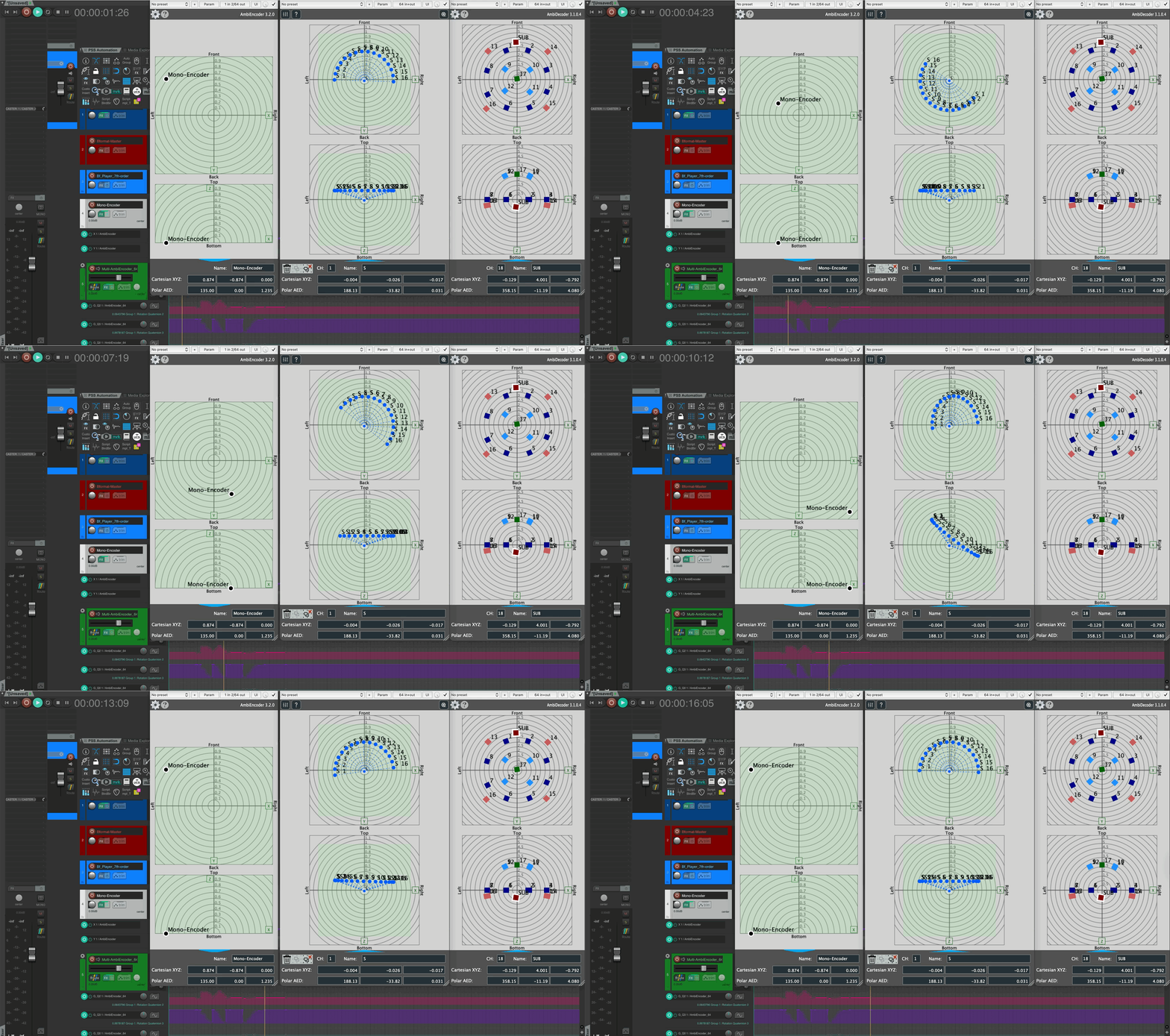
New in v3.2: What’s New · GitHub Releases
🎛️ Working with Ambisonics?
Free and open-source spatial audio tools for REAPER — from first setup to advanced OSC control and DAW integration.
Guided 4-step start path🎧 For Beginners
Fast entry into setup, signal flow, and your first spatial mix in REAPER.
⚙️ For Production Work
Technical depth for repeatable pipelines, OSC control, and robust session templates.
🎼 Composing in Ambisonics
Spatial thinking for composers — analytical listening, movement and depth as compositional parameters, studio workflows. Composing Guide coming soon.
🎛️ Ambisonics Plugins for REAPER
Encode, decode, and spatialise audio directly in your DAW. Encoder, decoder, monitor, and more — the complete ICST suite.
🧊 Ambisonics Tools for Max/MSP
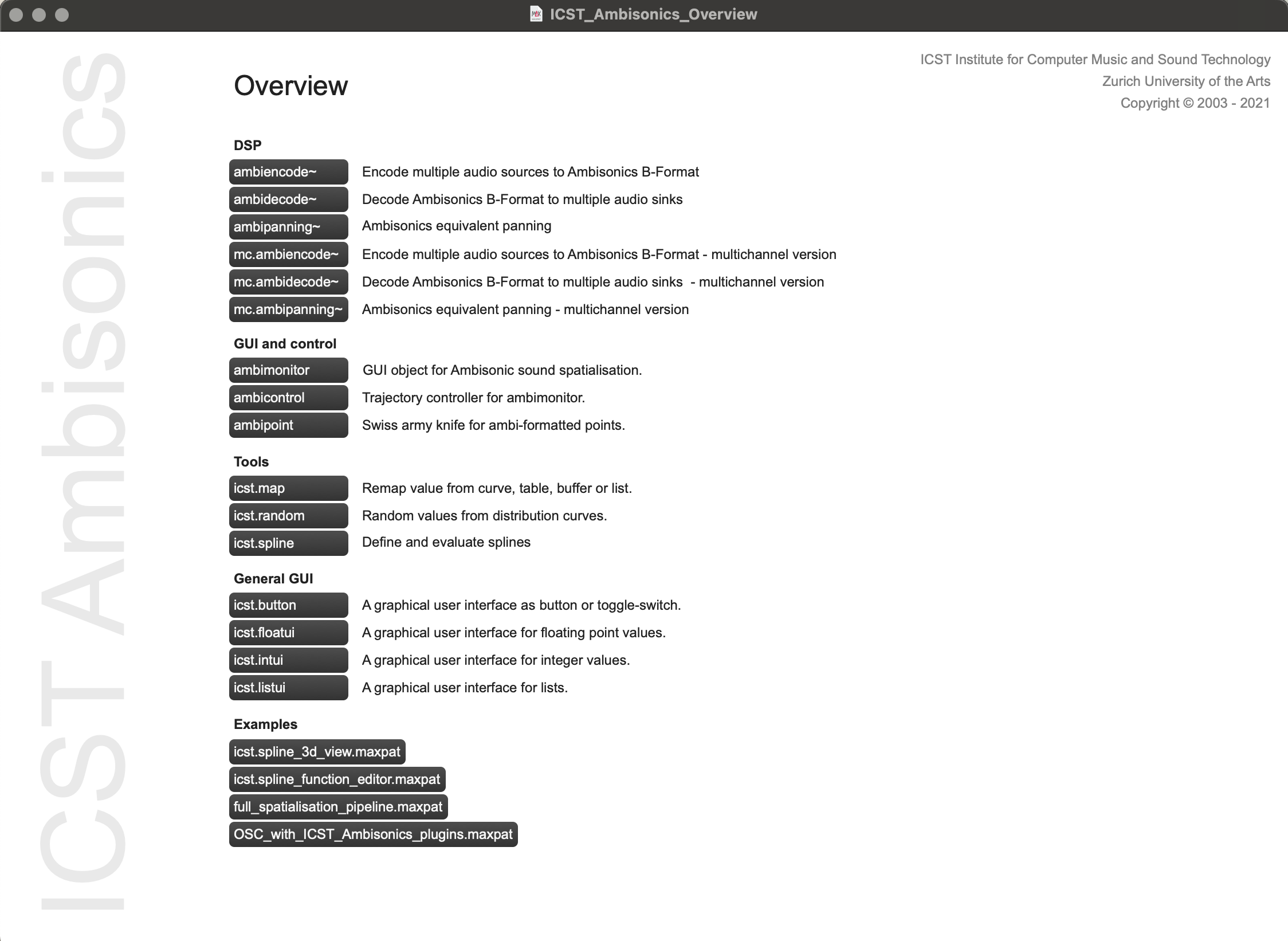
For live spatialisation, algorithmic sound, and extending workflows beyond REAPER — runs natively in Max 8.
🏛️ At the ICST Studio?
For ZHdK residents, composers and studio visitors — listening sessions, residency documentation and studio resources.
Resident guide — 4 steps before & during your stay🎧 ASCOLTA
Regular acousmatic listening sessions and concerts at ZHdK — spatial works performed live, open for audience.
🎼 Residencies
Artist-in-residence programme at ICST — profiles, projects and documentation from past and current residents.
🖥️ Composer Studio
Setup documentation, equipment, speaker configurations, and studio cases from the ICST Composition Studio.
Latest Posts
ACTIVE LISTENING IN THE THREE-DIMENSIONAL SOUND FIELD
Chapter 1 — Analytical Listening · ascolta sessions Active Listening in the Three-Dimensional Sound Field Who is this guide for? How do you listen to a piece of music that sounds not just in front of you, but above, behind, and all around you? A well-known example is Karlheinz Stockhausen’s Gesang der Jünglinge (1956), which uses loudspeakers distributed through a space to move sounds apparently around the listener. In contemporary electronic music, immersive speaker arrangements appear in sound installations and in live performance — including Ambisonics. These situations allow sound to be experienced not at a single point, but as active presence within a three-dimensional sonic field.
ICST STUDIO CASE: WHY OUR 31-SPEAKER SETUP IS ROUTED THIS WAY
Level: Intermediate | Audience: Composers, technicians, and researchers working with or visiting the ICST Composition Studio. Context Every multi-speaker Ambisonics room accumulates small routing decisions over time — a bus added here, a monitoring path rerouted there. In the ICST Composition Studio, those decisions have been made deliberately and documented so that each new resident starts from a stable, understood baseline rather than a mystery template. This article explains the four core decisions behind the studio’s 31-speaker REAPER session template, the problems each decision solves, and the failure modes it prevents.
DOWNLOAD PACK #1: REAPER TEMPLATE + HOA ROUTING CHECKLIST
Level: Beginner to Intermediate | Audience: Composer, Student, Technician. Included files Reaper project template (.RPP) HOA routing checklist (.md or .pdf) Quick verification guide What this pack is for Use this pack to reduce setup time and avoid common routing mistakes in first sessions. Recommended workflow Open template and verify audio device settings. Confirm channel count on master and Ambisonics tracks. Load decoder preset for your speaker setup. Run quick signal check before recording. Related tutorial Ambisonics in 30 Minutes: Your First Working Reaper Session Flow Getting Started with ICST Ambisonics Plugins in Reaper Download links Template note The template provides a clean 64-channel HOA project scaffold. Insert the ICST plugins and load the decoder preset that matches your studio setup.
ICST COMPOSITION STUDIO SUPPORT
For: composers, students, researchers, studio guests, and technicians.
ICST COMPOSITION STUDIO OVERVIEW
Level: Beginner | Audience: Composer, student, researcher, studio visitor. Studio overview The ICST studio is a surround production environment with 17 Geithain loudspeakers (8+5+4) plus stereo monitoring. A Mac Pro provides sequencing, HD recording, sound tools, Max MSP/Jitter, and Pure Data. The studio is designed especially for Ambisonics and surround music production. It combines current technology with musical practice and focuses on sound research, computer music, and media art. The studio supports the production and composition of new works in electronic music, sound art, and media art.
ICST AMBIENCODER – OSC SYNTAX
OSC Syntax for the ICST AmbiEncoder Plugin Level: Advanced | Audience: Technician, Developer, Max/OSC user. The ICST AmbiEncoder supports OSC and JavaScript, enabling seamless communication with OSC tools such as TouchOSC, IanniX, MaxMSP, and other OSC-enabled software. This page is the syntax reference. For a practical quickstart and debugging sequence, use: OSC im ICST AmbiEncoder - Die 10 wichtigsten Messages OSC Syntax & Address Specification 1. Accessing OSC Specifications Click the question mark in the ICST AmbiEncoder.
#01 ASCOLTA ACOUSMATIC LISTENING SESSION
Audience: Composer, Student, Researcher, Studio visitor. Concert 26.11.2019 18:00 Toni-Areal, Kompositionsstudio 3.D02, Ebene 3, Pfingstweidstrasse 96, Zürich Free admission Jean-Claude Risset (13.3.1938 - 21.11.2016) Programm: Songs 9:13 Octant 12:08 Sud I 9:42 Sud II 5:44 SUD III 8:02 Resonant 14:37
ICST COMPOSITION STUDIO PRE-INSTALLATION
Pre-installation for your laptop Level: Beginner | Audience: Composer, student, researcher, studio visitor. AUDIO Install RME Driver (DriverKit) Download MadiFace USB and follow the installer’s instructions. Product Page System Compatibility: macOS / Windows USB Series Kernel Extension: macOS 11+ Manual: Download PDF RME Driver for macOS Installation Guide Login Items & Extensions for DriverKit Troubleshooting Watch the Video starting at 2:36 for assistance. RME MadiFace sync As shown above, synchronization is correct.
MAXMSP & ICST AMBIENCODER – OSC COMMUNICATION
Bidirectional OSC Communication with MaxMSP Level: Advanced | Audience: Max/MSP and OSC integrator. Generate motion data in Max and send it via OSC to the ICST AmbiEncoder in your DAW. Alternatively, transfer a motion composition from your DAW to the icst.ambisonics-externals. Required Software: MaxMSP v.8.0+ → cycling74.com ICST Ambisonics Tools v3 → cycling74.com ICST Ambisonics Plugins (VST3/AU) → ICST AmbiPlugins Reaper (DAW) → reaper.fm Setup Guide: 1. Configure OSC in ICST AmbiEncoder Open the ICST AmbiEncoder in an FX slot and navigate to Encoder Settings.