Übersicht
Schnellstart
Installation
Spurvorlagen
Schritt-für-Schritt-Setup
Wie es funktioniert
ICST Encoders
ICST Decoder
ICST MultiDecoder
B-Format in REAPER rendern
OSC
Best Practices
Tastaturkürzel
Downloads
Was ist neu
Installation
Level: Beginner | Zielgruppe: Komponist:in, Techniker:in, Studierende, Studio-User.
Nutze diese Seite, wenn du vor Templates oder manuellem REAPER-Setup zuerst eine saubere Plugin-Installation brauchst.
Bevor du startest
Für eine verlässliche Installation solltest du Folgendes bereit haben:
- eine aktuelle Version von REAPER
- die SWS / S&M Extension
- ReaPack
- Zugriff auf das aktuelle Release-Paket der ICST Plugins
Empfohlener nächster Schritt nach der Installation:
- Schnellstart für die erste funktionierende Session
- Schritt-für-Schritt-Setup wenn du das Routing manuell aufbauen willst
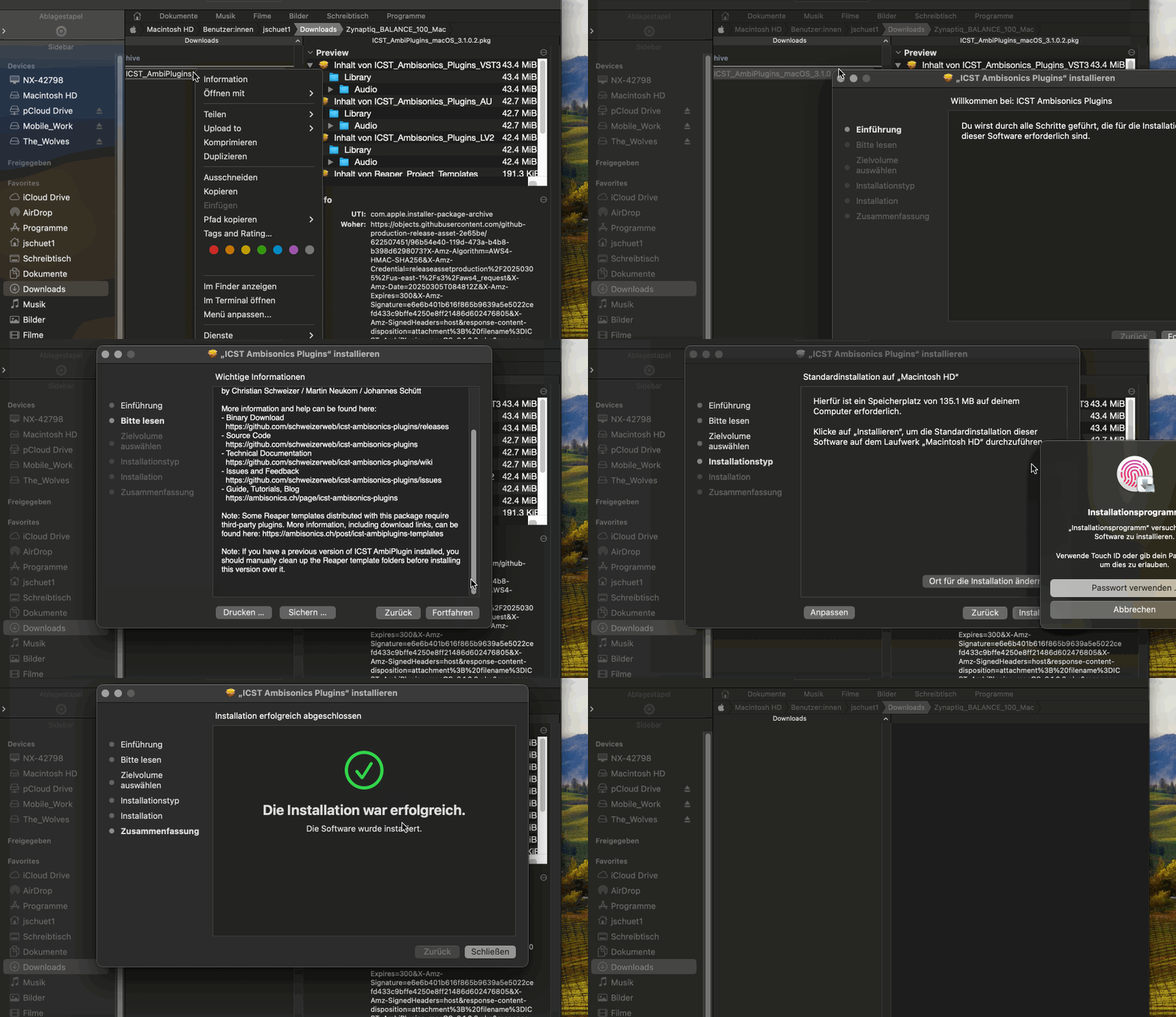
Installation unter macOS
- Lade REAPER für Apple Silicon oder Intel von reaper.fm herunter.
- Installiere REAPER und öffne es einmal.
- Schliesse REAPER wieder.
- Installiere die SWS / S&M Extension von https://www.sws-extension.org/.
- Installiere ReaPack von https://reapack.com/.
- Folge der ReaPack-Installationsanleitung: https://reapack.com/user-guide#installation
- Lade das aktuelle Release der ICST Ambisonics Plugins von https://github.com/schweizerweb/icst-ambisonics-plugins/releases herunter.
- Starte den macOS-Installer.
Installation unter Windows
- Lade REAPER für Windows von reaper.fm herunter.
- Installiere REAPER und öffne es einmal.
- Schliesse REAPER wieder.
- Installiere die SWS / S&M Extension von https://www.sws-extension.org/.
- Installiere ReaPack von https://reapack.com/.
- Folge der ReaPack-Installationsanleitung: https://reapack.com/user-guide#installation
- Lade das aktuelle Release der ICST Ambisonics Plugins von https://github.com/schweizerweb/icst-ambisonics-plugins/releases herunter.
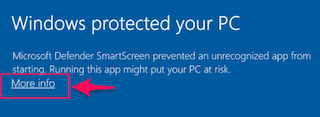
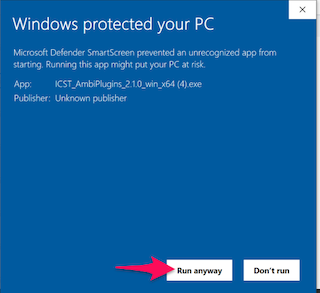
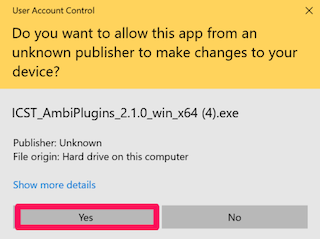
- Starte den Windows-Installer oder kopiere das Release manuell in den üblichen VST3-Ordner, falls das Paket keine automatische Installation verwendet.
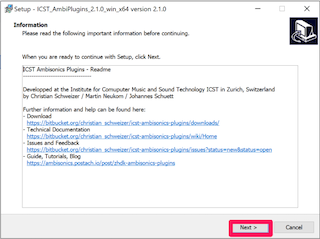
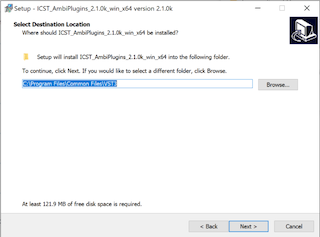
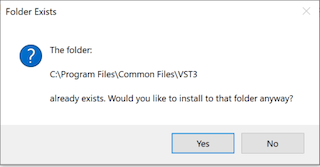
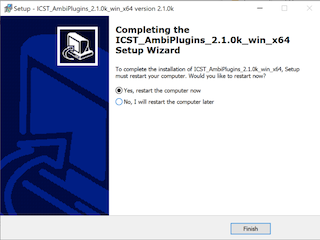
Installierte Dateien und Ordner
Typische Zielpfade der Installation:
/Library/Audio/Plugins/VST3/Library/Audio/Plugins/Components/Library/Audio/Plugins/LV2(experimentell)Users/Shared/AmbiPluginsTemp/ProjectTemplatesUsers/Shared/AmbiPluginsTemplatesTemp/TrackTemplates
Enthaltene Vorlagen sind typischerweise:
ICST_AmbiPlugins_MonoEncoder.RPPICST_AmbiPlugins_MultiEncoder.RPPICST_AmbiPluginsICST_AmbiPlugins_3rdParty
Wenn die Plugins nicht erscheinen
Prüfe zuerst diese Punkte:
- REAPER wurde nach der Installation neu gestartet.
- Die SWS-Extension ist korrekt installiert.
- ReaPack ist korrekt installiert.
- Die Plugin-Dateien liegen in den erwarteten VST3-, AU- oder LV2-Verzeichnissen.
- Die ICST Plugins erscheinen nach einem Rescan im FX Browser von REAPER.
Wenn die Vorlagen fehlen, prüfe zusätzlich die oben genannten gemeinsamen Template-Ordner.
Weiterführende Referenzen
- Projekt-Wiki: https://github.com/schweizerweb/icst-ambisonics-plugins/wiki Installationsvideo: ICST Ambisonics Plugins – 01 – How to Install