New here? Start with Ambisonics in REAPER
Level: Beginner to Advanced | Audience: Composers, students, producers, technicians, and studio residents.
Ambisonics is a method for capturing and reproducing three-dimensional sound. The ICST plugins bring this approach into REAPER through free, open-source, studio-tested workflows developed at ZHdK Zurich.
If you are new, follow the guided start path. If you already know the plugins, jump straight to Quick Start, tutorials, or the docs.
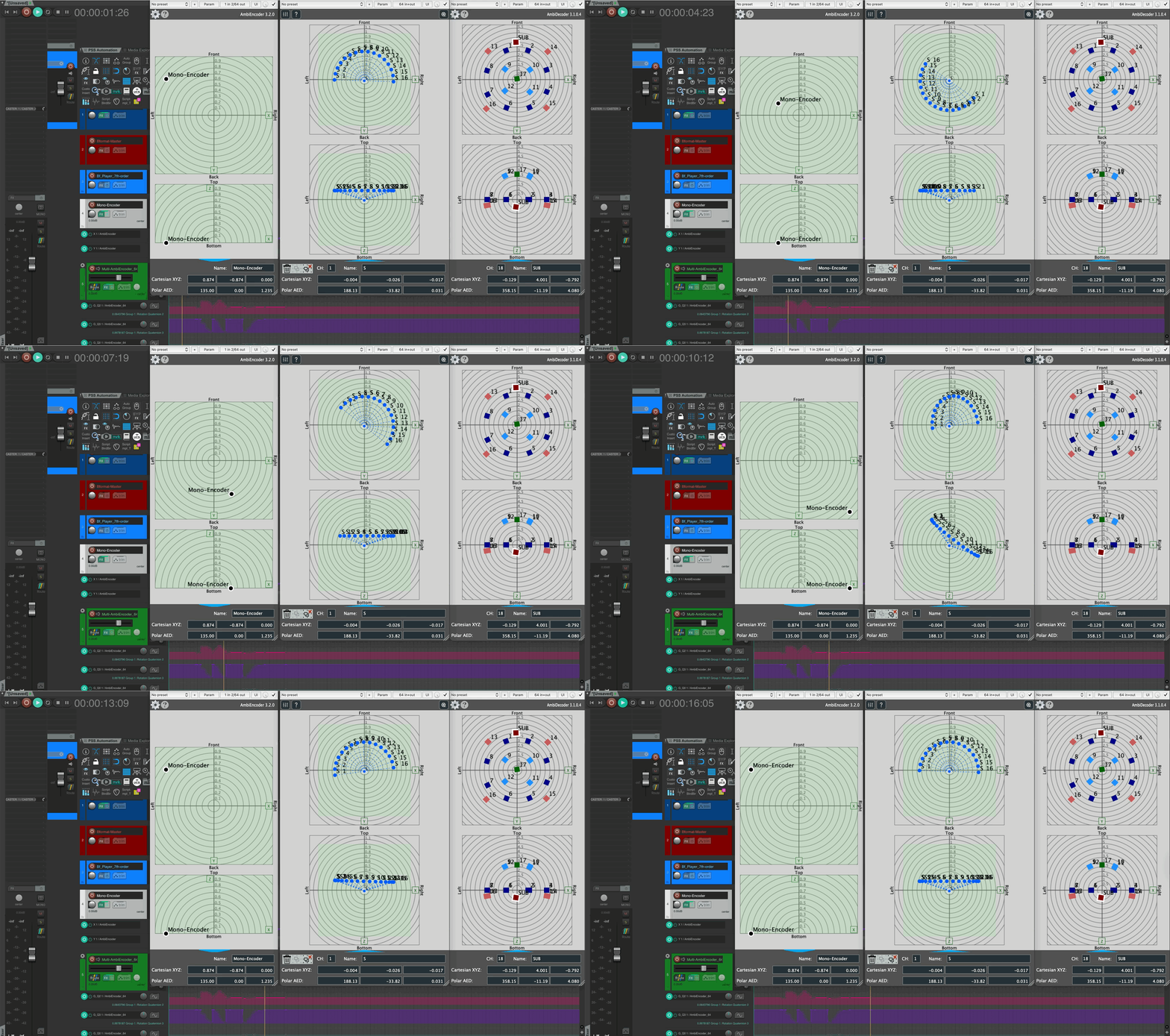
New in v3.2: What’s New · GitHub Releases
🎛️ Working with Ambisonics?
Free and open-source spatial audio tools for REAPER — from first setup to advanced OSC control and DAW integration.
Guided 4-step start path🎧 For Beginners
Fast entry into setup, signal flow, and your first spatial mix in REAPER.
⚙️ For Production Work
Technical depth for repeatable pipelines, OSC control, and robust session templates.
🎼 Composing in Ambisonics
Spatial thinking for composers — analytical listening, movement and depth as compositional parameters, studio workflows. Composing Guide coming soon.
🎛️ Ambisonics Plugins for REAPER
Encode, decode, and spatialise audio directly in your DAW. Encoder, decoder, monitor, and more — the complete ICST suite.
🧊 Ambisonics Tools for Max/MSP
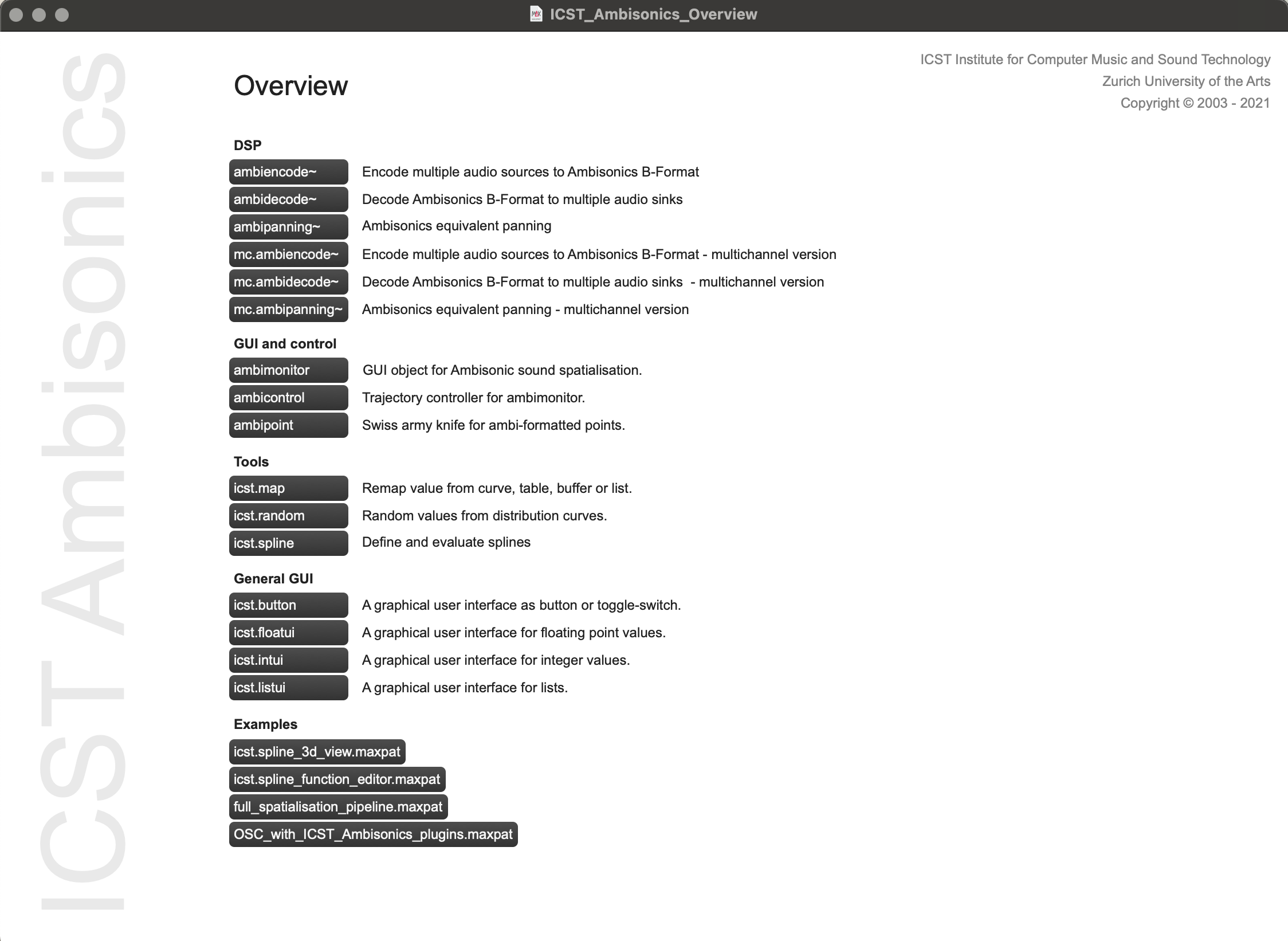
For live spatialisation, algorithmic sound, and extending workflows beyond REAPER — runs natively in Max 8.
🏛️ At the ICST Studio?
For ZHdK residents, composers and studio visitors — listening sessions, residency documentation and studio resources.
Resident guide — 4 steps before & during your stay🎧 ASCOLTA
Regular acousmatic listening sessions and concerts at ZHdK — spatial works performed live, open for audience.
🎼 Residencies
Artist-in-residence programme at ICST — profiles, projects and documentation from past and current residents.
🖥️ Composer Studio
Setup documentation, equipment, speaker configurations, and studio cases from the ICST Composition Studio.
Latest Posts
#14 ASCOLTA ACOUSMATIC LISTENING SESSION
Audience: Composer, Student, Researcher, Studio visitor. Listening twice Experimental Tuesday, 22 April 2025, 18:00 Toni-Areal, Kompositionsstudio 3.D02, Ebene 3, Pfingstweidstrasse 96, Zürich Free admission In this session we will listen to classic electroacoustic compositions in two different versions: -A recent 5.1 production from ICST/ZHdK -A historic Ambisonics (UHJ) recording from the 1970s We look forward to comparing these versions. Additional Information: 5.1 Surround Format Stereo UHJ: A process that encodes strictly horizontal Ambisonics signals into a compatible two-channel stereo format using matrix technology originally developed for Quadraphonics. However, this encoding is lossy. We decoded the original UHJ into a 7th-order ambiX B-format and are using the ICST Ambisonics MultiDecoder for playback.
#15 ASCOLTA ACOUSMATIC LISTENING SESSION
Audience: Composer, Student, Researcher, Studio visitor. Listening Twice Experiment Tuesday, 6 Mai 2025, 18:00 Toni-Areal, Kompositionsstudio 3.D02, Ebene 3, Pfingstweidstrasse 96, Zürich Free admission “Listening Twice” In this listening session, we want to engage with ambisonics UHJ recordings from the seventies. UHJ, also called C-format, is a hierarchical system for encoding and decoding directional sound information within ambisonics technology. Although UHJ allows up to four channels, mostly only the 2-channel variant has been and is used, since this ensures full compatibility with 2-channel playback media (usually stereo records or CDs). With a special UHJ decoder, the three channels LRT (corresponding to W, X, Y) can be played back in Ambisonics as spatial audio. We want to compare the various playback options together by listening using various historical recordings.
FAQ
Answers to the most common questions about the ICST Ambisonics Plugins for REAPER and the ICST Ambisonics Tools for Max/MSP. Installation & Compatibility Which REAPER version do the plugins require? REAPER 6.0 or higher is recommended. The plugins run on macOS (Intel and Apple Silicon) and Windows 10/11 (64-bit). Linux is not officially supported. Do the plugins work on Apple Silicon (M1/M2/M3)? Yes — the plugins ship as universal binaries and run natively on Apple Silicon without Rosetta. Make sure you are using REAPER 6.78 or later for full compatibility.
#16 ASCOLTA ACOUSMATIC LISTENING SESSION
Audience: Composer, Student, Researcher, Studio visitor. Experiment Thursday, 16. October, 18:00 Toni-Areal, Kompositionsstudio 3.D02, Ebene 3, Pfingstweidstrasse 96, Zürich Free admission At ICST we have launched a pilot project to enable the best possible and simple access to electroacoustic works. This idea is derived from the writings and techniques of Michael Gerzon and his team, that B-format in ambisonics is ideally suited for this. Objective: B-format as a platform for dealing with immersive audio, not only in composition/production, but in the handling of existing repertoire.
#18 ASCOLTA — ÉLIANE RADIGUE
Thursday, 02 April 2026, 18:00–19:00 Toni-Areal, Composition Studio 3.D02, Level 3 Pfingstweidstrasse 96, Zurich Free admission Éliane Radigue (24 January 1932 – 23 February 2026) was a renowned French composer. Éliane Radigue was born in Paris. She studied electroacoustic music techniques at the Studio d’essai of the RTF under Pierre Schaeffer and Pierre Henry (1957–58). After a longer period devoted largely to raising her three children, she worked as Pierre Henry’s assistant at Studio Apsome from 1967 to 1968. She was a guest artist at the School of the Arts at New York University (1970–71), the University of Iowa, the California Institute of the Arts, and Mills College in 1998. She regularly spent time in the United States and worked in her own studio in Paris.
#19 ASCOLTA — ACOUSMATIC LISTENING SESSIONS
Thursday, 21 May 2026, 18:00–19:00 Toni-Areal, Composition Studio 3.D02, Level 3 Pfingstweidstrasse 96, Zurich Free admission When space starts to listen, time changes with it. For #19 ascolta, we open an acoustic field from the ICST Studio Residencies 2025: three positions, three distinct ways of placing memory, presence, and imagination in Ambisonics. Programme Ana González Gamboa — Lúmina Lúmina creates a space of travel fragments, inner images, and fictional overlays. The composition moves between intimacy and distance, asking how personal and collective sonic memory can resonate within an immersive field.
AMBISONICS.CH RELAUNCH 2026 - WHAT'S NEW
Level: Intermediate | Audience: New and returning site users. Why we restructured the site The new structure reduces search effort and leads more quickly to the right content. Instead of mixed areas, the site now offers clear entry points for tutorials, studio cases, downloads, and documentation. What changed in practice Clearer menu structure with the core areas. More compact overview pages with explicit teasers. Stronger cross-linking between fundamentals, practice, and download material. What is for whom Beginners: Reaper setup and first Ambisonics workflows. Advanced users: OSC control, automation, and multi-decoder setups. Artists and studios: residency cases with real production processes. Three quick starts Reaper Ambisonics Setup in 20 Minutes OSC in ICST AmbiEncoder: The 10 Most Important Messages Ableton Live and ICST Ambisonics Integration Next step Start with the Reaper setup guide, then continue with the OSC article to make your workflow reproducible.
REAPER AMBISONICS SETUP IN 20 MINUTES (ICST WORKFLOW)
Level: Beginner | Audience: Composer, Student, DAW newcomer. This page is the execution checklist. For onboarding logic and systematic troubleshooting, see: Getting Started with ICST Ambisonics Plugins in Reaper What you will achieve You will end up with a working Reaper session featuring ICST AmbiEncoder, clean routing, and a fast monitoring check. Prerequisites Reaper installed. ICST Ambisonics Plugins installed. Audio interface with a suitable I/O configuration. Related docs: Installation Step 1 - Prepare the session Create a new session, set the sample rate, and define a clear track layout for sources, B-format bus, and monitoring.
OSC IN ICST AMBIENCODER - THE 10 MOST IMPORTANT MESSAGES
Level: Intermediate | Audience: Power user, Technical artist. This page is the practical quickstart. For the full address and parameter reference, see: OSC Syntax for ICST AmbiEncoder What OSC is actually useful for here OSC makes movement control reproducible and allows external controllers, Max patches, or scripts to integrate cleanly into the production workflow. Setup in two minutes Define local host and port. Verify the connection with a test message. Check feedback in Reaper and in AmbiEncoder. The 10 message types you need first Source Select X-Position Y-Position Z-Position Azimuth Elevation Distance/Gain Group Move Snapshot/Preset Recall Transport Sync Trigger Debugging checklist Exclude port conflicts. Verify message format against the syntax reference. Limit timing jitter for fast updates. Practical example Combine an external controller with Reaper automation: OSC drives movement in real time, while Reaper records it as verifiable automation.
GETTING STARTED WITH ICST AMBISONICS PLUGINS IN REAPER
Level: Beginner | Audience: Composer, Student, Studio Assistant. This page is the compact onboarding version of the full docs workflow: Step by Step Setup. Use this guide to get running fast, then use the docs page as technical reference. Who this is for Composers who want a reliable first Ambisonics session. Students who need a clear practical entry point. Technicians who need a repeatable setup baseline. What you will achieve By the end, you will have a working Reaper project with source routing, AmbiEncoder control, and a basic monitoring check.